Get paid by card without a terminal
Connect Stripe once. Customers pay from the link in their invoice email, and the payment is matched to the invoice automatically.
Take card payments online and keep every payment on record.
Connect your Stripe account to accept card payments from invoice links, record cash, check and Zelle payments against jobs, and see every payment in one place.
Payments is included in every ArrayQ plan. Compare plans
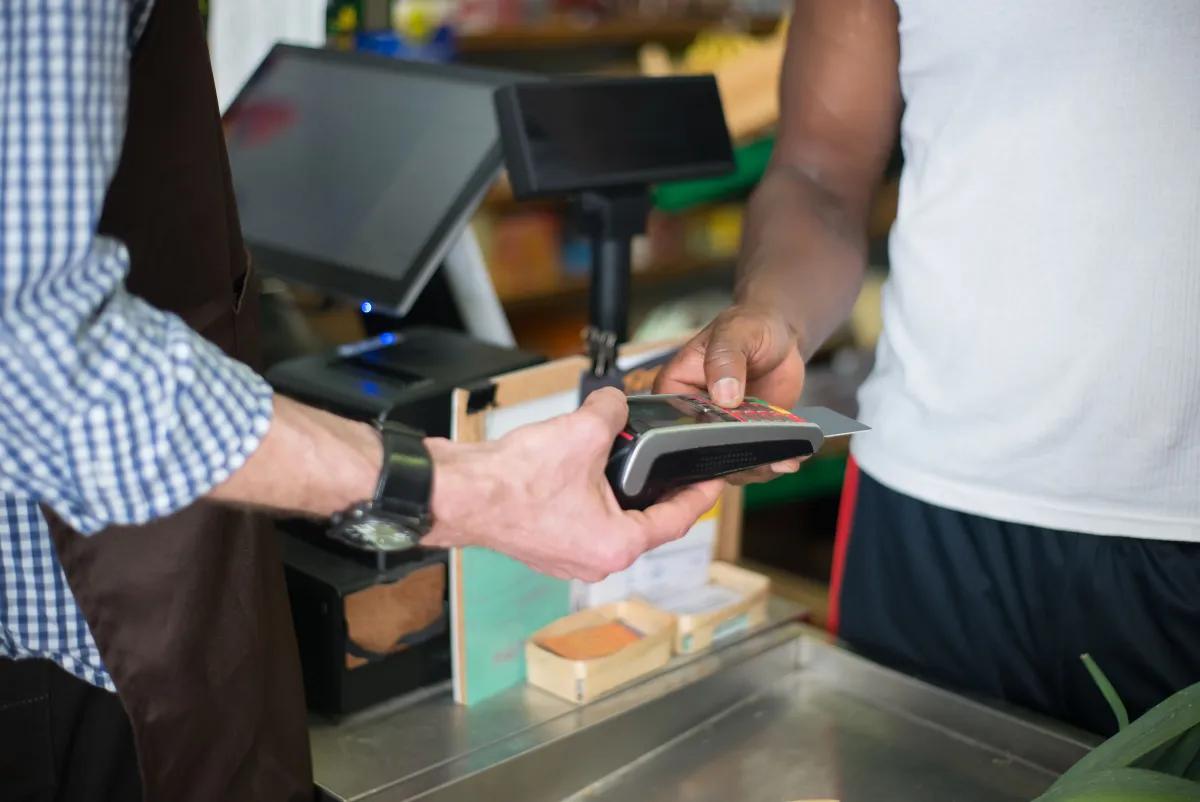
Connect Stripe once. Customers pay from the link in their invoice email, and the payment is matched to the invoice automatically.
When a customer pays in cash, by check or with Zelle, record it when you complete the job so your books and your invoice statuses stay accurate.
Card payments online through Stripe, plus cash, check and Zelle payments that you record in ArrayQ.
Yes. You connect your own Stripe account from the Payments page, so card payments go to your business.
Invoices track partially paid, refunded and partially refunded statuses, so you can see exactly where each balance stands.
Payments is included in every ArrayQ plan.
Start on the free plan today, no credit card required
Start now - it's free